Legal Opus PDF Editor
Free Online PDF Editor
Sign PDFs, add text, and redact sensitive information, all straight from your browser.
Use this free, private online PDF editor to add text, draw a signature, fill forms, highlight clauses, add images, and erase sensitive information.
No signup, no extra downloads, and no watermark.
How to Edit a PDF Online for Free
1.
Upload Your PDF
Choose a file or drag it into the editor. No account needed.
Privacy first: Almost everything happens on your device. You do not have to upload your file to the internet just to edit it. Redaction uses our server, but files are never stored.
2.
Add Text, Signatures, and Redactions
Use the toolbar to add text, draw a signature, highlight key passages, mark up the page, insert images, and redact sensitive text.
3.
Download the Edited PDF
Save the finished file directly to your device. Your edits stay with the PDF when you download it.
PDF Editing Tools for Document Finalization
Clean up contracts, forms, applications, and other paperwork. Add what is missing, mark what needs attention, and remove sensitive information before you share the document.
PDF Signature Tool
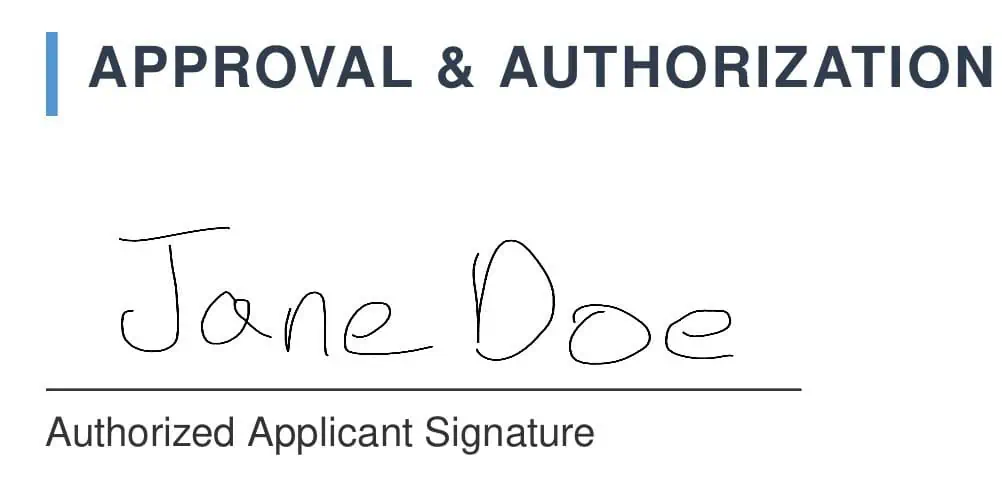
Draw and place your signature on a PDF. Add text to fill out legal, business, or government forms in the same editor.
PDF Redaction
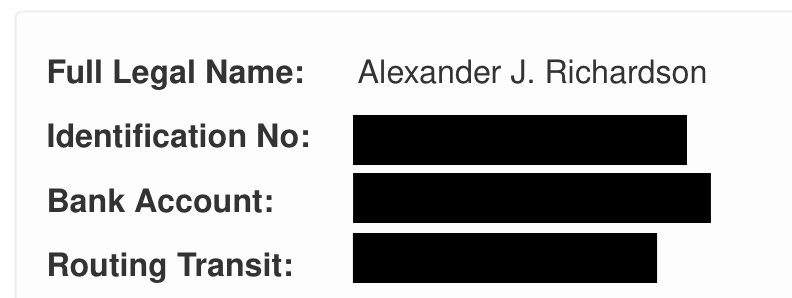
Permanently black out sensitive information such as personal details, client data, or account numbers.
Annotations and Highlights
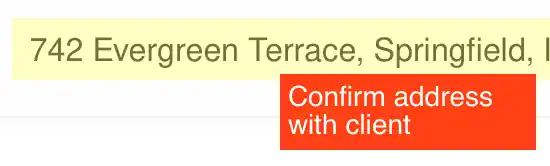
Highlight important clauses, draw shapes and arrows, and mark areas that need review before the document is finalized.
Images
Add images and logos to your document without converting the file back to its source format.
Common Questions
What is the best free online PDF editor?
The best free PDF editor is the one that lets you finish the job without friction or surprise downloads. Legal Opus is built to get your common document tasks done fast, right, and privately.
Is it safe to edit PDFs online?
Legal Opus is designed to keep your edits on your device. You do not have to upload your PDF to the internet just to add text, sign, highlight, or mark it up. Redaction uses our server, and files are never stored after processing.
Can I edit text in a PDF for free?
You can add new text, fill visible fields, and cover or redact existing text for free. If you need to rewrite the original text layer, use the source document when possible because PDFs do not always behave like Word files.
Need a Legal Document? Start with a Template.
Tired of fixing poorly formatted agreements? Legal Opus lets you create business, real estate, and personal legal documents from professional-quality templates, then download a clean PDF. Paid documents start at $14.99, with no subscription to manage.
Professional-Quality Templates
Start from a structured legal document template instead of cleaning up an old PDF or random form.
Flat Per-Document Pricing
Pay once for the document you need. Paid documents start at $14.99, and there is no monthly plan to manage.
Business, Real Estate, and Personal Documents
Create NDAs, lease agreements, LLC documents, divorce forms, wills, and more.